


- Overview
- Specifications
- Software
- Reviews
- Overview
- Specifications
- Software
- Reviews


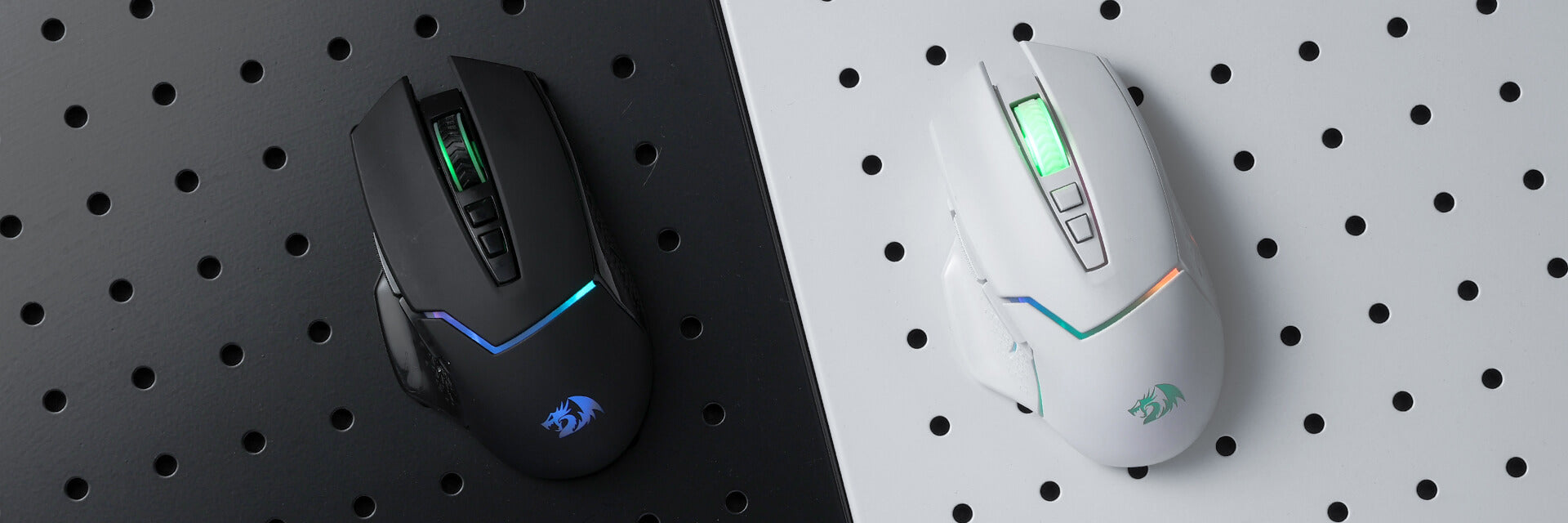


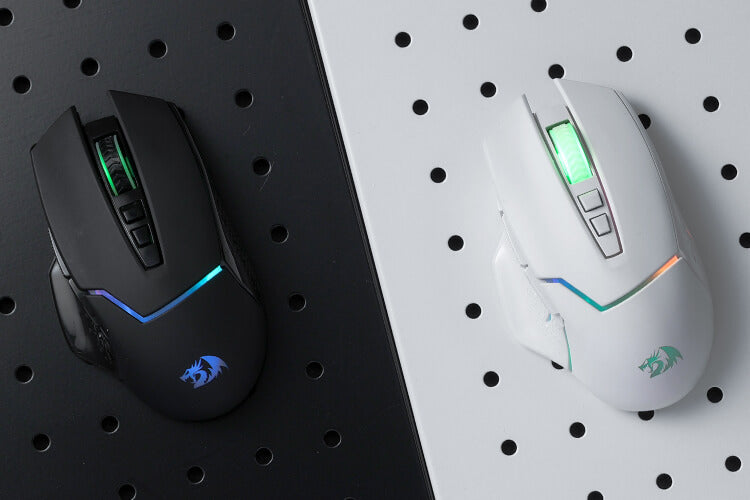
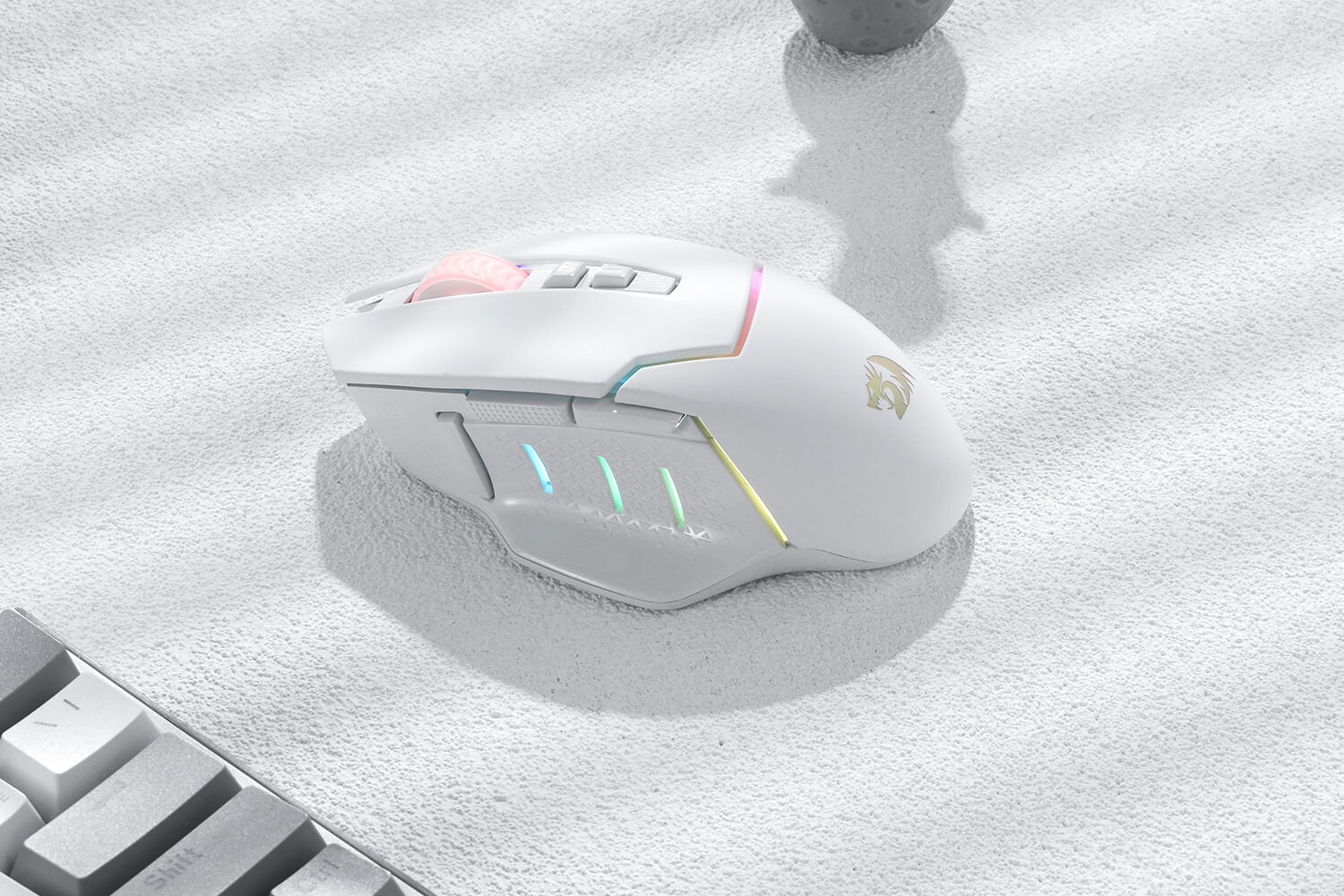
Wireless for Boundless Winning
The 2.4Ghz wireless enables working distances up to 10 meters (or approx. 30ft) with a little-to-no delay or signal drops. Giving the best play gaming experience and taking your shot with precise timing to victory.
Acme Adjustable DPI to 8000
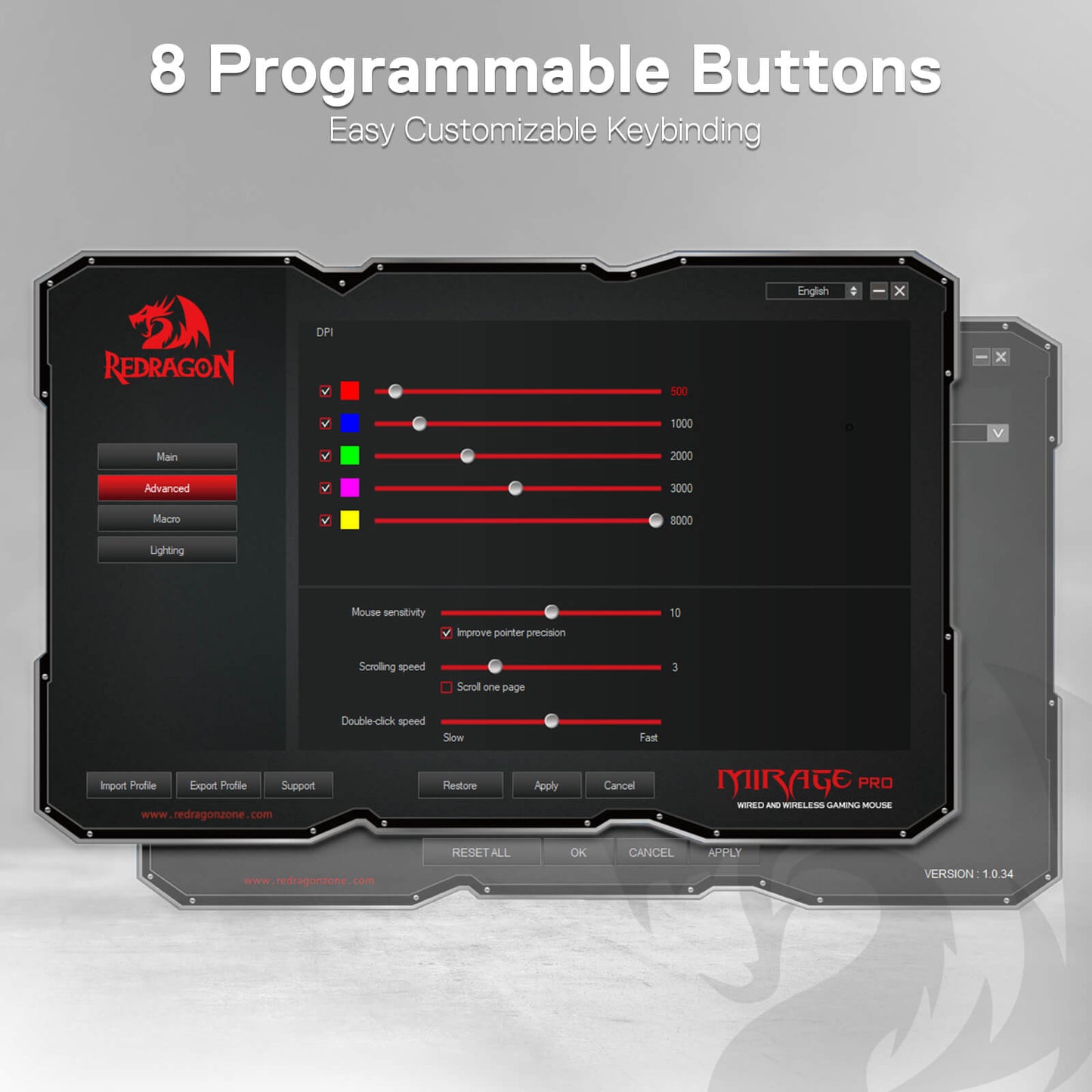
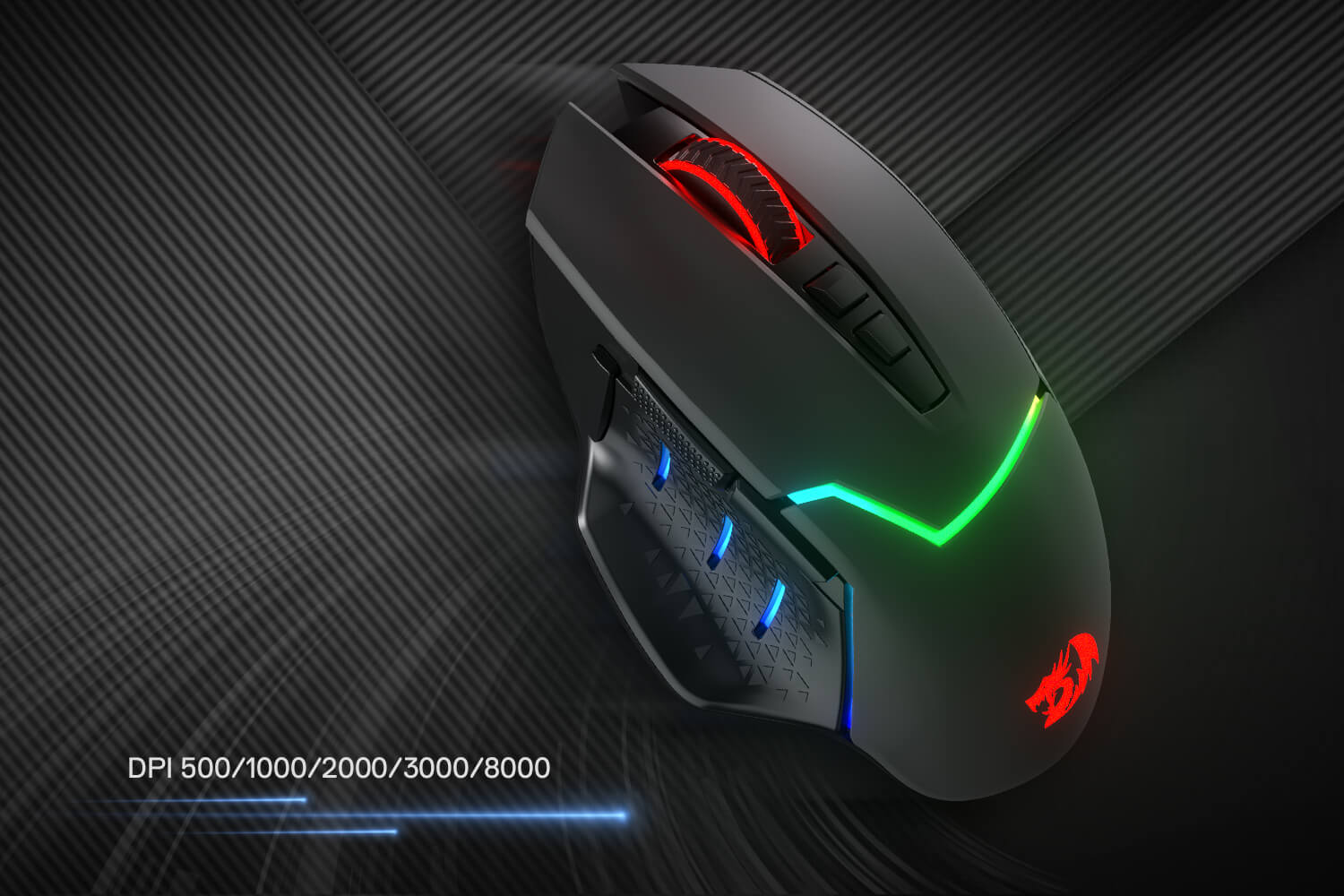
Geared with 5 onboard DPI levels (500/1000/2000/3000/8000) which allow your mouse movements to be registered to each pinpoint location. 5 DPI levels are free to DIY with software, enabling gamers to switch swiftly in the game.

Easy Keybinding with Macro
All 8 programmable buttons are editable with customizable tactical keybinds in whatever game or work you are engaging. 1 rapid fire + 2 side macro buttons offer you better gaming and working experience.
Ultra Long-lasting Core
Equipped with the PAW3104 Optical Pixart sensor, the mouse consumption is further optimized with 1000Hz Polling Rate in dual mode. A durable rechargeable battery keeps the mouse working for up to 87 hours at maximum (eco-mode).

Strong Compatibility
Works for Windows 7/8/10/XP/Vista/ME/2000/Mac10.x, etc. For Mac OS, the sided buttons are not available. Ideal for work or entertainment in the home and office.

Reviews
Customer Reviews
Toll für den Preis. Keine Probleme mit dem Dongle und es ist schnell. Bequem genug. Lustige Farben.
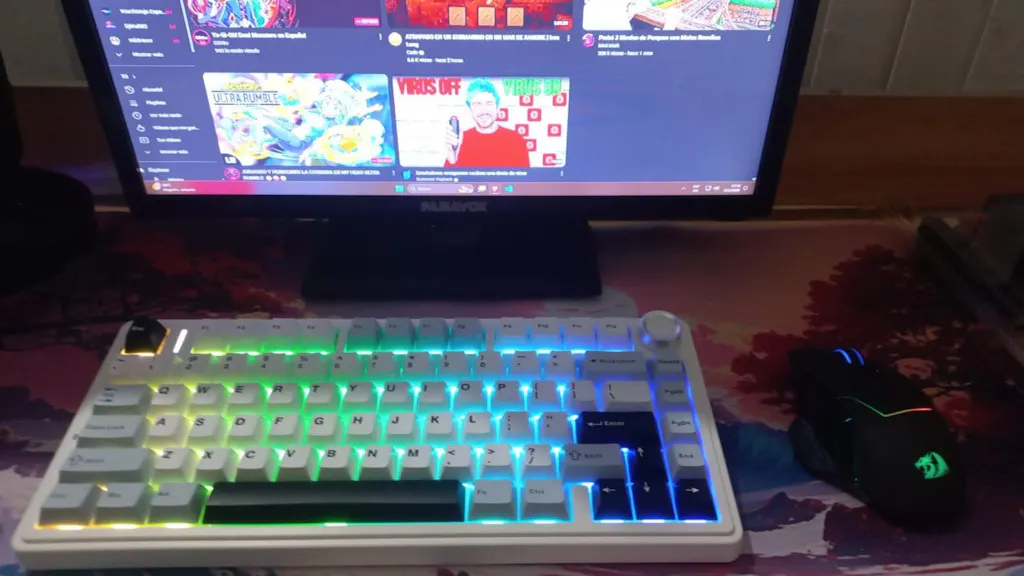
Hervorragende Qualität, sofort einsatzbereit, es gibt keine App, sondern nur eine kleine Broschüre, in der die Konfiguration beschrieben wird. Im Wesentlichen dienen die beiden oberen Tasten zum Erhöhen oder Verringern der Empfindlichkeit (DPI) und die Taste unten zum Ändern der Abtastrate (von 100 Hz bis 1000 Hz).
Eine höhere Abtastrate sorgt für eine bessere Reaktionsfähigkeit, verbraucht aber auch mehr Akkuleistung. Die aktuelle Abtastrate lässt sich an der Anzahl der Blinksignale des Mausrads erkennen, wobei 4 die höchste Stufe ist. Ich empfehle die höchste Stufe für Spiele, da die Maus ohne diese Einstellung ziemlich träge war.
Größe und Helligkeit sind angenehm, ansonsten gibt es nicht viel zu individualisieren, da es für dieses spezielle Modell keine App gibt.
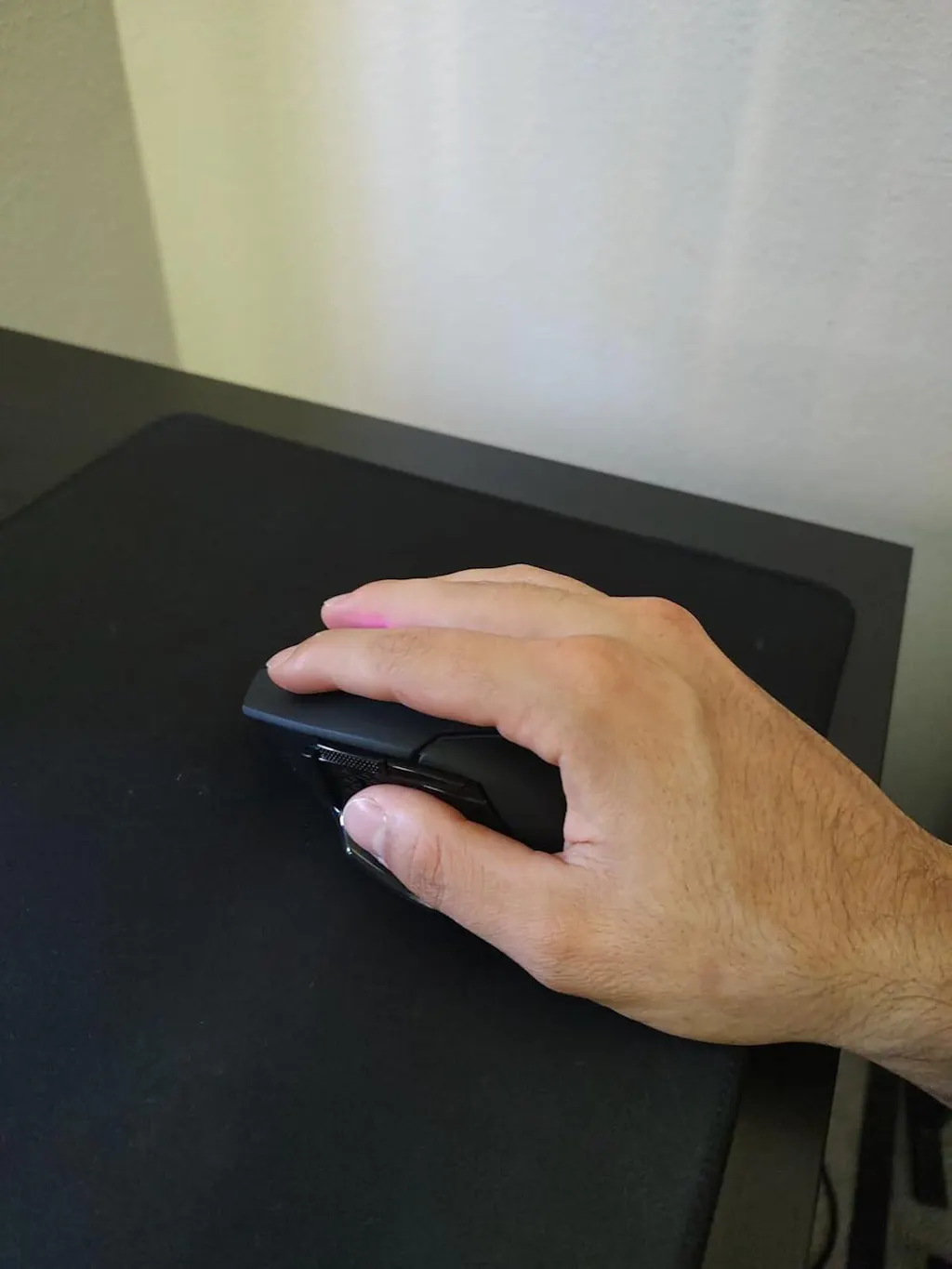
Die Maus ist super gut und die Software zur individuellen Anpassung der Tasten und Beleuchtung ist unglaublich vielseitig, was mich sehr beeindruckt hat. Ich habe auch festgestellt, dass die Maus nicht gut auf dem Mauspad gleitet, weil sich unter den Gleitpads an der Unterseite der Maus eine Kunststofffolie befindet. Wenn man diese Kunststofffolie entfernt (nicht die Pads, sondern die wirklich dünne Kunststofffolie darauf), gleitet sie jetzt WIRKLICH gut auf dem Mauspad!
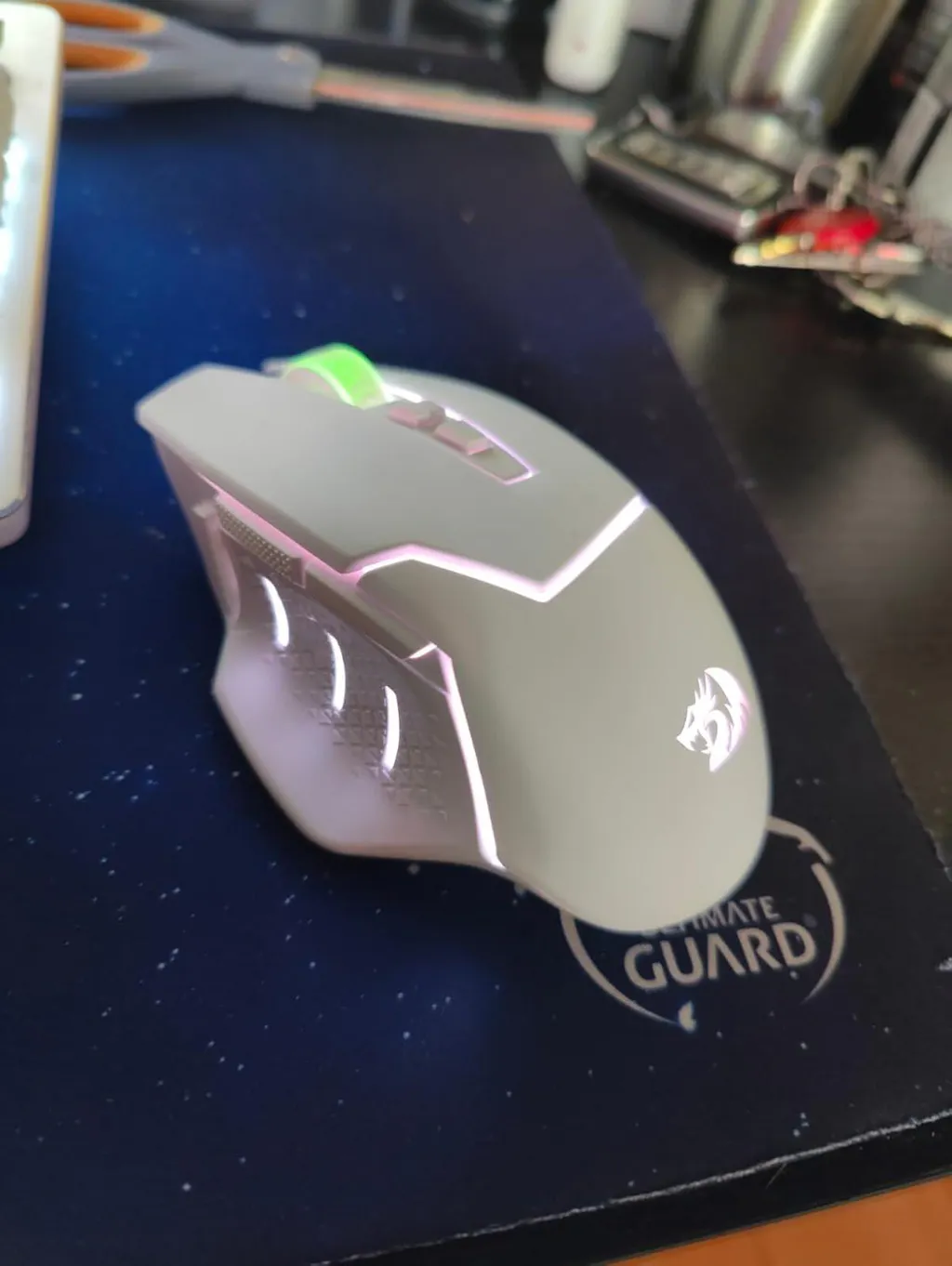
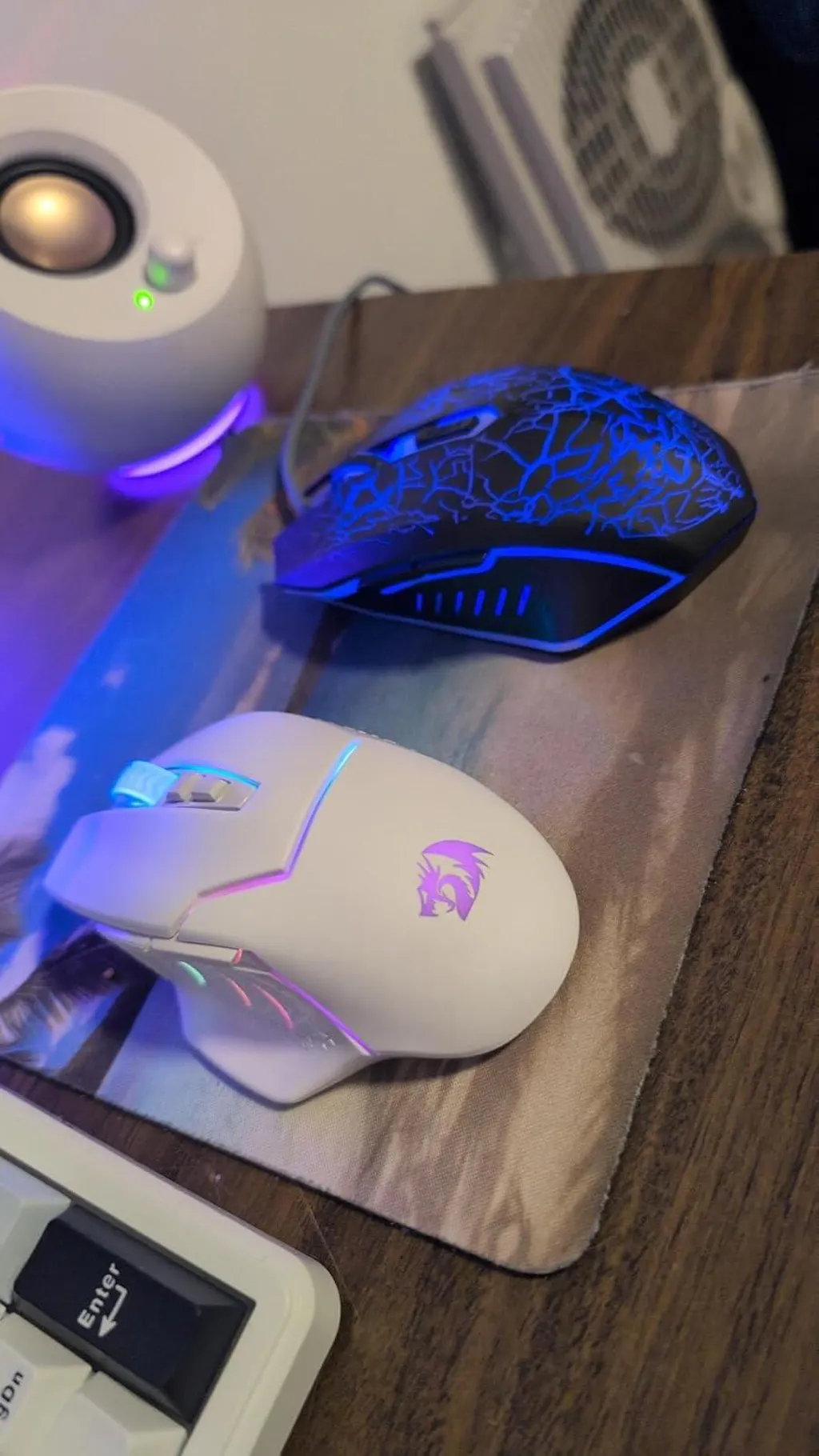
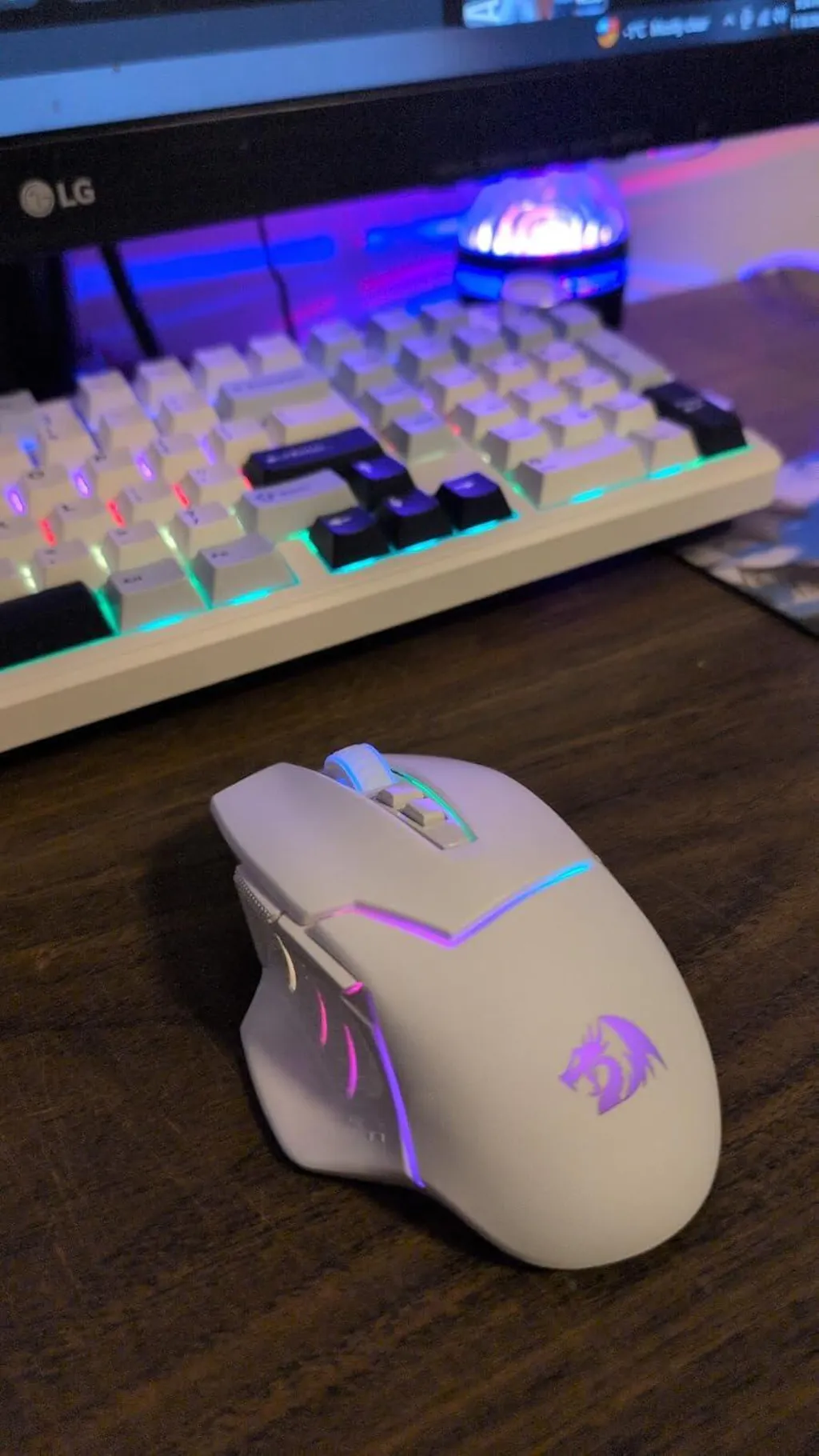
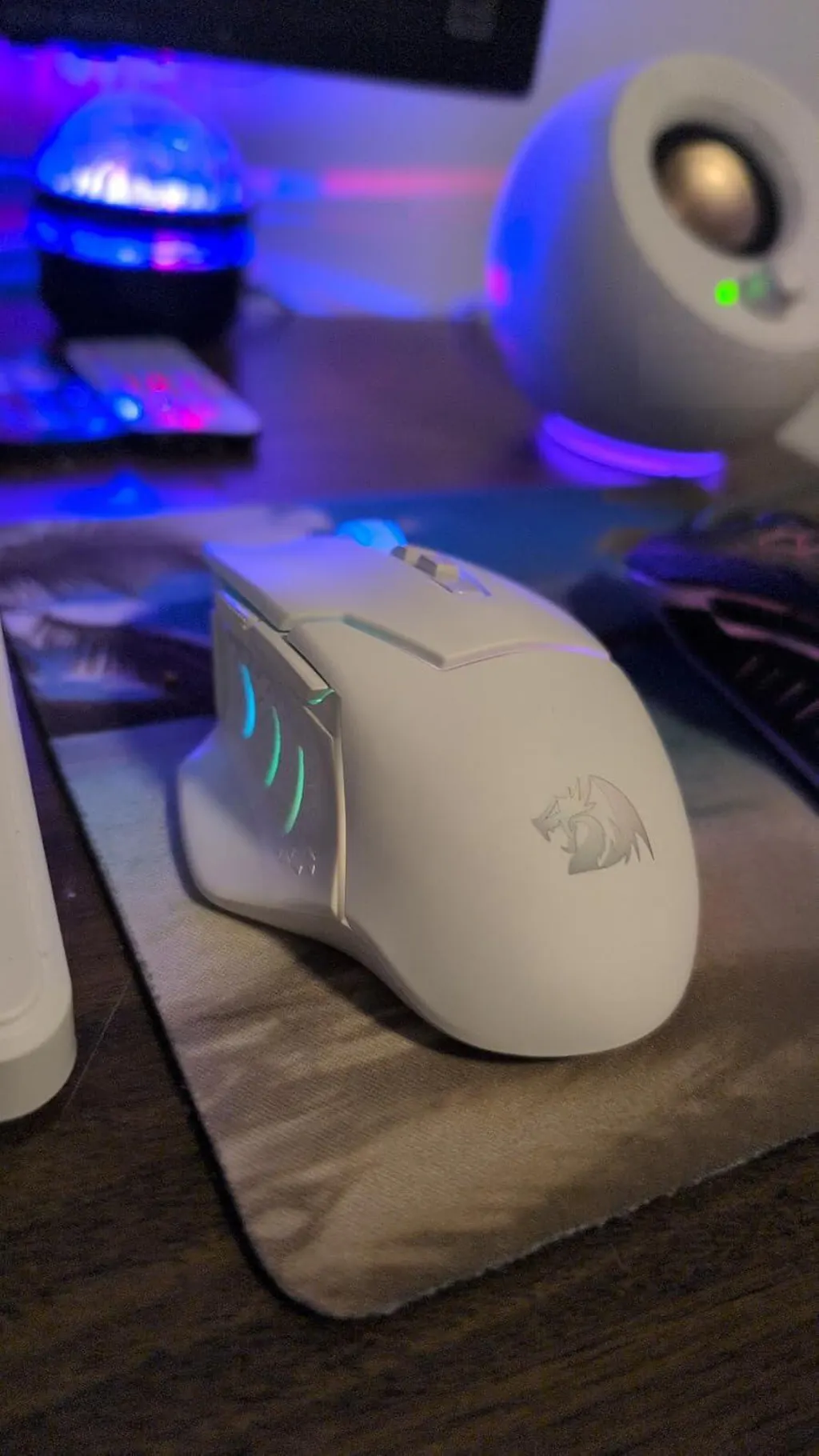
Viel besser als meine alte Maus, und ich hatte es satt, eine kabelgebundene Maus zu haben. Sieht nachts sogar noch besser aus.
